
Documentation / Administration
Visual settings
Visual Settings, in the account menu, changes how IntelliSent looks for you. Everyone can change their own; a user with the permission Visual Settings can also save them as the default for the whole company.
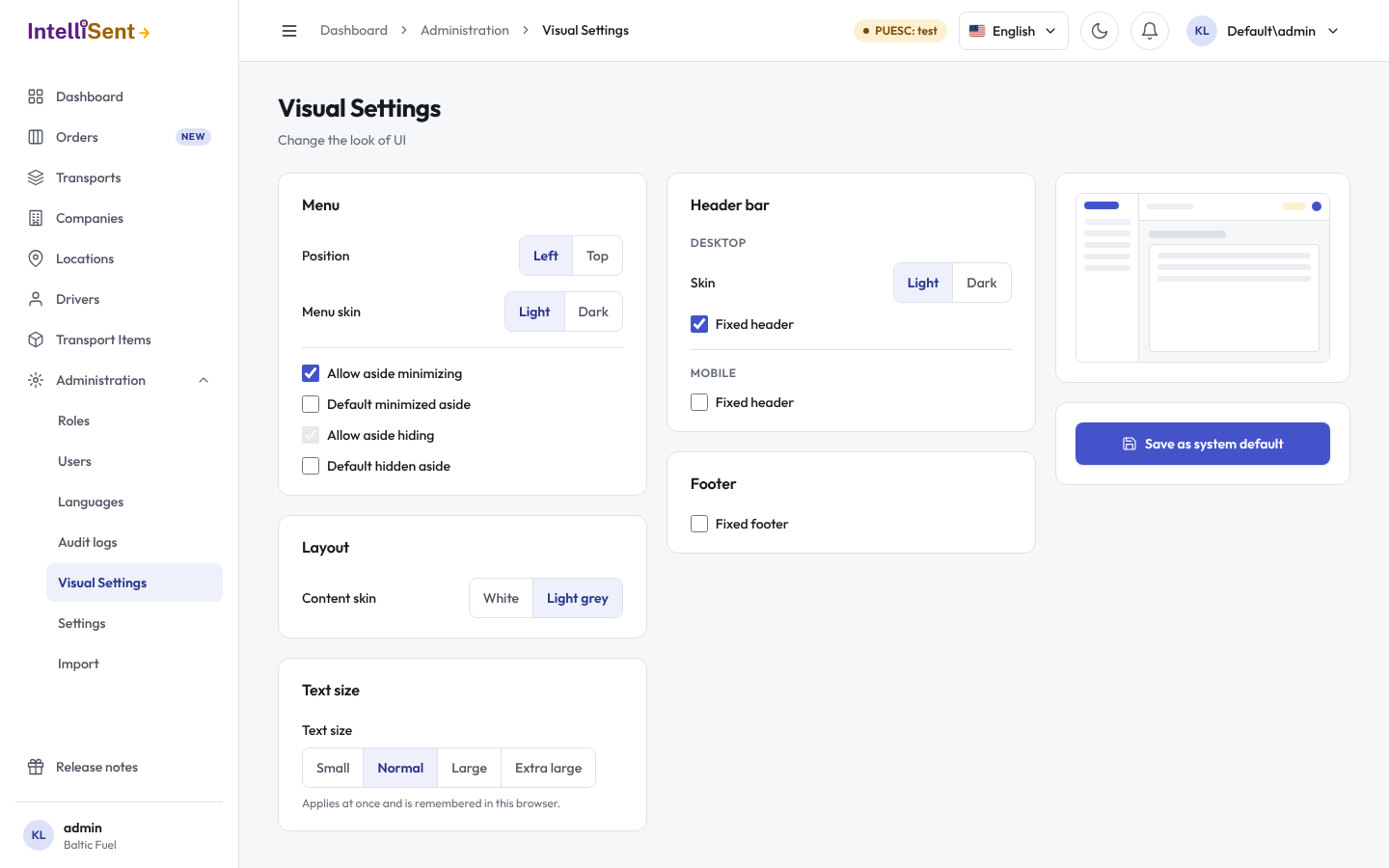
- Menu: the menu's position (left or top), its skin (light or dark), whether it may be minimized or hidden, and whether it starts minimized or hidden.
- Layout: the content's skin, white or light grey.
- Text size: small, normal, large or extra large. It applies at once and is remembered in this browser.
- Header bar: its skin, and whether it stays fixed at the top on a desktop and on a phone.
- Footer: whether it stays fixed at the bottom.
Save keeps your settings. Save as system default makes them your company's default, and Use system defaults drops your own and takes the company's.
The button beside the language menu in the top bar switches between light and dark mode in one click.