
Documentation / Companies, locations, drivers and goods
Transport items
Transport Items holds the goods you carry, such as diesel fuel or heating oil, with their codes and units. On the transport form, picking a transport item fills in the goods line.
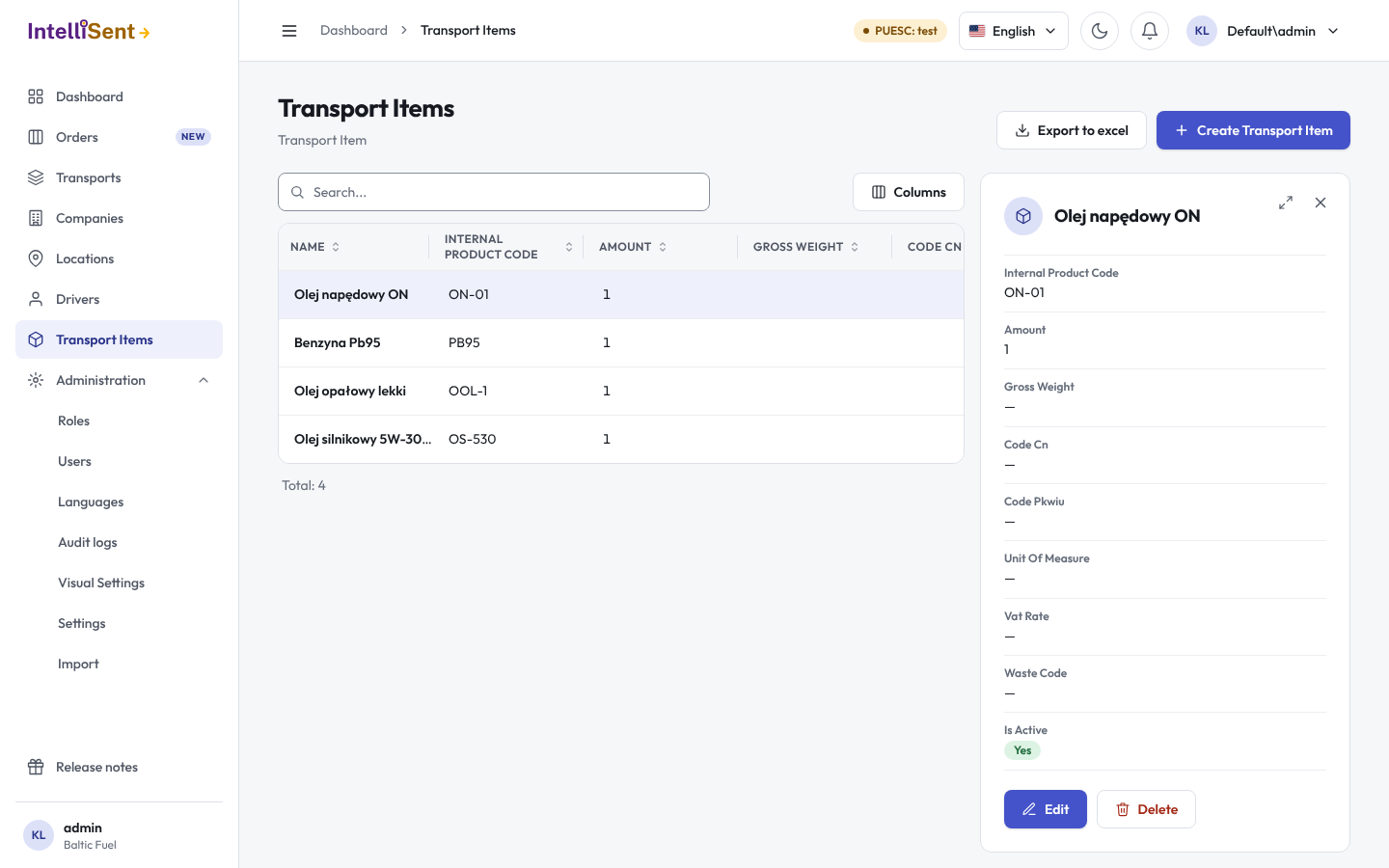
Who can see and change transport items
In Roles, the permission Transport Item lets a user see the list; its child permissions let them create, edit and delete transport items.
Add a transport item
- Click Create Transport Item.
- Enter the Name and, if you use one, the Internal Product Code.
- Pick the Code Cn: start typing the product's name or CN code and pick from the list, for example 2710 for fuels. Add the Code Pkwiu if you need it.
- Pick the Unit Of Measure, such as litres or kilograms, and the Vat Rate.
- Enter the default Amount and its Gross Weight.
- For waste, tick Waste and enter the Waste Code.
- Click Save.
Untick Is Active for goods you no longer carry. A transport keeps the goods it was sent with, whatever happens to the transport item later.